Nighthawks System Requirements: Can Your PC Run This RPG?
Get the latest Nighthawks system requirements and optimize your PC performance. Discover if your setup is ready for this dark, supernatural vampire RPG.
Published:
Table of Contents
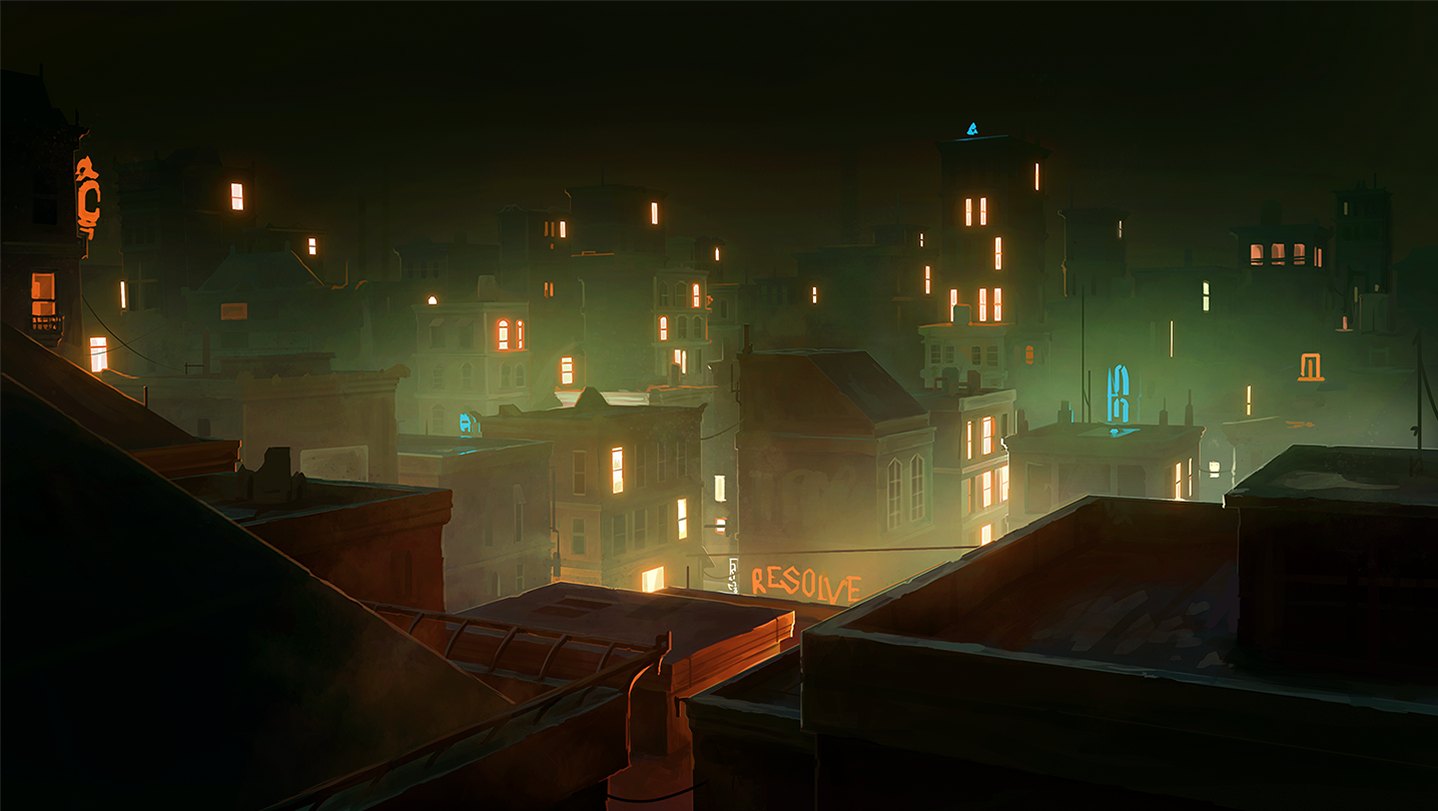
Stepping into the neon-drenched, perilous streets of Cradlebridge as a newly reborn vampire is an experience unlike any other. Before you dive into the complex world of nightclub management and supernatural politics in The Curiosity Engine’s latest title, it is vital to ensure your gaming rig is fully prepared for the journey. Checking the Nighthawks system requirements is the first step toward a seamless gameplay experience.
Whether you are a veteran of deep, story-rich RPGs or a newcomer intrigued by the premise of building a nocturnal empire, understanding your hardware's capabilities is essential. As this title features an expansive, fully voiced world with hundreds of thousands of words of narrative, you will want a machine that handles its dark, atmospheric presentation without hiccups. Below, we break down exactly what you need to seize the night by the throat.
Understanding the Nighthawks System Requirements
For most modern indie RPGs, developers focus on accessibility while ensuring the artistic vision remains intact. The Nighthawks system requirements are quite reasonable, allowing a wide range of PC configurations to participate in this gripping vampire saga. However, even for lighter titles, hardware compatibility—especially regarding graphics APIs and operating systems—remains a top priority for performance stability.
The game is designed to run on 64-bit systems, ensuring that your computer can manage the massive scale of the narrative and the interactive world. If you are uncertain about your PC's specifications, checking your "About" settings in Windows or using a system diagnostic tool is a great first step.
Minimum vs. Recommended Hardware Specs
The developers have provided a clear baseline for players to follow. Interestingly, for this specific title, the minimum and recommended specs are quite similar, which indicates the game is well-optimized for a variety of builds.
Component
Minimum Specification
Recommended Specification
OS
Windows 10 (64-bit)
Windows 10 (64-bit)
Processor
2Ghz or better
2Ghz or better
Memory
8 GB RAM
8 GB RAM
Graphics
DX10, DX11, DX12-capable
DX10, DX11, DX12-capable
Storage
10 GB available space
10 GB available space
Performance Optimization
Always ensure your graphics card drivers are updated to the latest version provided by the manufacturer. Even if your hardware meets the Nighthawks system requirements, outdated drivers are the most common cause of graphical glitches and performance drops.
Platform Compatibility and Operating Systems
One of the highlights of this release is its wide support for various computing environments. Beyond the standard Windows experience, the team at The Curiosity Engine has ensured that Linux and macOS users are not left in the dark.
OS Support Overview
Windows: 64-bit versions only.
macOS: Sierra 10.12.6 or later (Apple Silicon and x64 supported).
Linux: Compatible with distributions like Ubuntu, Mint, Arch, and Debian.
Why OS Choice Matters
Using a 64-bit operating system is non-negotiable for this title. This architecture allows the game to access more than 4GB of RAM, which is critical for loading the dense text-based assets and the atmospheric environmental art found in Nighthawks. If you are on an older 32-bit system, the game will simply not initialize, as modern game engines require the memory addressing capabilities of 64-bit environments.
Graphics and Display Considerations
While Nighthawks is a visual novel and RPG, it utilizes hardware acceleration to bring its dark, moody aesthetic to life. You do not need a high-end dedicated graphics card to enjoy this experience, but you do need an integrated or discrete GPU that supports the required DirectX or Metal frameworks.
Graphics Type
Compatibility Requirement
Windows
DX10, DX11, or DX12-capable GPUs
macOS
Metal-capable Intel or AMD GPUs
Linux
OGL hardware acceleration support
Community reports suggest that even mid-range laptops from the last five years should handle the game with ease. If you encounter "stuttering" during text transitions, check if your system is using the integrated graphics chip rather than a discrete card—a common issue in laptop power-saving modes.
Managing Storage and Memory
With 10 GB of required disk space, Nighthawks is relatively lightweight compared to modern AAA titles. However, the 8 GB RAM requirement is a hard standard. Why 8 GB? Because the game is packed with high-quality voice acting and complex scripts that load dynamically as you make choices.
Storage Optimization Tips
Use an SSD: While the requirements don't explicitly demand it, installing the game on an SSD will significantly reduce loading times between scenes.
Verify Game Files: If you notice missing character art or delayed audio, use the Steam store page "Verify Integrity of Game Files" tool.
Clear Temporary Cache: Ensure your main drive has at least 15-20 GB of free space to allow for virtual memory swapping if needed.
Preparing for Your Second Life
Your journey into the world of Cradlebridge is one of seduction, intimidation, and survival. Once you have confirmed that your PC meets the Nighthawks system requirements, take a moment to consider your playstyle. As a vampire, you will be balancing your thirst for blood with the need to build a nightclub empire.
Strategic Choices for New Players
Seduction vs. Intimidation: How you treat your staff and patrons affects the game's outcome.
Magic Management: Using Gifts like Mesmerism or Tenebrous Form can change the flow of conversations.
Companion Recruiting: Choose your ten companions wisely, as their unique skills are vital for your success.
FAQ: Frequently Asked Questions
Is an internet connection required to play Nighthawks?
Once downloaded, the game does not require an active internet connection to run, especially if you obtain it via DRM-free platforms. However, an internet connection is necessary for initial installation and for syncing achievements or cloud saves.
Can I play this on the Steam Deck?
As of the current release, Steam Deck compatibility is listed as "Unknown." However, given the system requirements and the game's nature as an interactive RPG, it is likely to be a great fit for portable play.
Do I need a high-end GPU to enjoy the art?
No, the game focuses on a stylized, atmospheric visual design. As long as your hardware supports the base graphics APIs mentioned in the Nighthawks system requirements, the neon and dark shadow aesthetics will render correctly.
What should I do if the game won't launch?
First, ensure you are running a 64-bit operating system. If your specs meet the requirements, try updating your graphics drivers or running the game as an administrator. Players in the community have noted that verifying game cache files via Steam usually resolves most initial launch errors.